NetMirror APK
Your Next Binge Starts Here..
NetMirror APK Latest Version, Risks & Alternatives.
Download NetMirror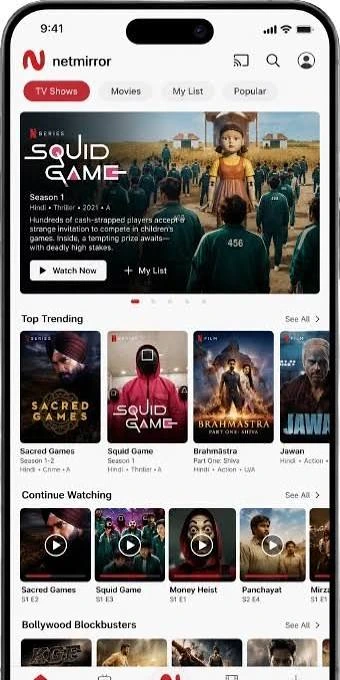


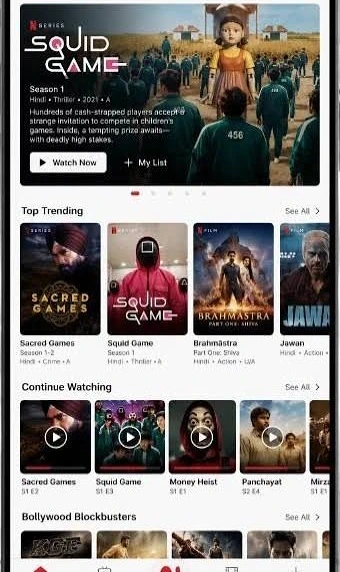
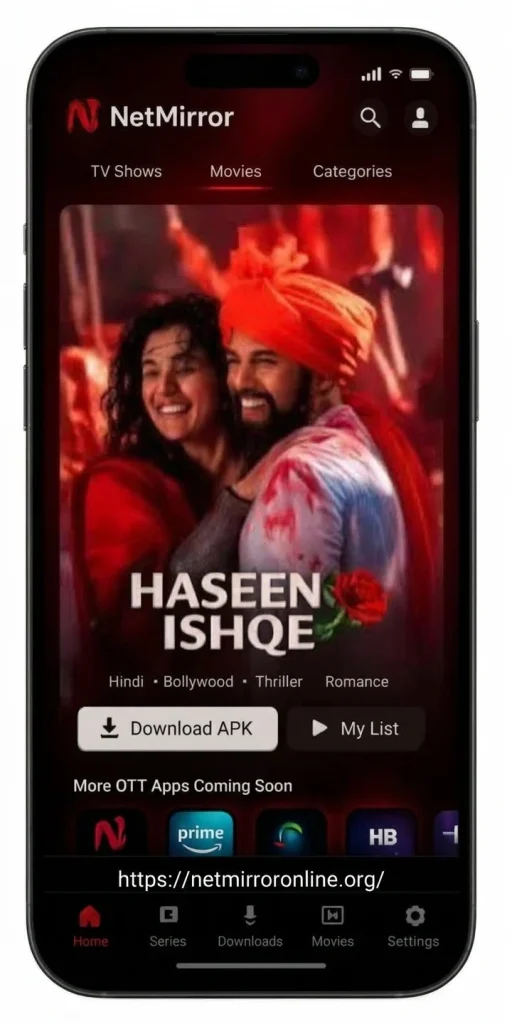
Table of Contents
What Is NetMirror APK?
An APK (Android Package Kit) is the file format Android uses to install apps. Google Play delivers apps in this format after screening them, but you can also download APK files from websites and install them manually. This is called sideloading.
NetMirror APK is one of those sideloaded files. It is promoted mainly through search results and download pages as an app for streaming movies, TV shows, and web series, often described alongside Netflix, Prime Video, and Hotstar. That wording is how these pages attract searches. It does not mean the app is connected to those companies.
Three facts matter before anything else:
- No official publisher. Pages offering the file rarely name a real developer, company, or support address you can check.
- No official store listing. You will not find it as a verified app from any streaming company in Google Play.
- Many copies exist. Several websites offer files under the same name. They may not be identical, and nobody can confirm that a copy matches the original.
That last point is the heart of the risk. When a file has no accountable publisher, you cannot know what is inside it.
Is NetMirror APK Safe?
We cannot call any NetMirror APK safe, and you should be wary of any page that does. Here is why.
1. Repackaging is easy
Anyone can take an APK, add code to it, and redistribute it under the same name. A file can look and behave like a streaming app while also collecting data in the background or showing hidden ads. A normal-looking interface proves nothing.
2. The business model is a warning sign
Hosting video at scale costs money. When an app offers a huge library with no subscription and no clear owner, ask how it pays for itself. For apps of this type, the usual answers are advertising networks, data collection, or worse.
3. Permissions can expose far more than video
A streaming app needs network access and basic storage permissions. It does not need your SMS messages, contacts, or accessibility control. Accessibility access in particular can let a malicious app read your screen, tap buttons for you, and capture one-time passwords.
4. Security scans are not proof
A clean result from a scanning tool lowers some risk, but it cannot detect every threat, especially new or modified code. Treat a scan as one check, not a guarantee.
Common risks at a glance
| Risk | What it can mean for you |
| Malware or spyware | Stolen passwords, banking details, or personal files |
| Adware | Constant pop-ups, forced redirects, battery drain |
| Fake update prompts | Prompts to install more files from unknown sources |
| Excess permissions | Access to messages, contacts, or screen content |
| Phishing screens | Fake login pages that capture your Netflix, Google, or bank credentials |
| Legal exposure | Streaming content distributed without permission may breach copyright law in your country |
Is NetMirror APK Legal?
The app file itself is just software, but the real question is where the content comes from. Netflix, Amazon Prime Video, Disney+ Hotstar, and similar services pay for the rights to show their titles and protect them with accounts, payments, and licensing agreements.
An app that offers those titles without a subscription or license is, in all likelihood, distributing them without permission. Copyright rules differ by country, and enforcement varies, but streaming or downloading unlicensed content can carry legal and account risks. We are not a law firm and this is not legal advice. If you are unsure, the simplest rule applies: if content that normally costs money is offered free by an unidentified publisher, it is probably unlicensed.
There is also a practical angle. When unlicensed apps get taken down or blocked, they stop working. That brings us to the questions people search for most.
NetMirror APK Latest Version and v6.0: What to Know
Many people search for “NetMirror APK latest version” or “NetMirror APK v6.0.” Here is the honest picture.
There is no official release channel. With no verified developer and no official store page, there is no authoritative source for version numbers, release dates, or changelogs. A website that labels its file “v6.0” or “latest” is making a claim, not documenting a fact.
Version numbers are easy to fake. Download pages often change the number to look current and attract clicks. A higher number does not mean the file is newer, safer, or more complete.
Fresh does not mean trustworthy. If you see a page claiming a brand-new release with a “premium unlocked” or “ad-free” label, treat that as a red flag. Those phrases are common bait for modified files.
If you want a safe, current version of a streaming app, the reliable approach is to install from Google Play, where the publisher is identified and updates are signed and verified.
Why NetMirror APK Stops Working?
Users often report that these apps open and then fail to load content. The usual causes are:
- Blocking and takedowns. Servers or domains can be shut down or blocked by providers, which makes the app show errors or blank screens.
- Broken or expired sources. Apps that pull from third-party links stop working when those links change.
- Compatibility problems. Newer Android versions tighten security rules, and older or modified APK files may fail to install or crash.
- Network issues. Weak Wi-Fi, mobile data limits, or DNS problems can look like an app fault.
- Corrupted or tampered files. A damaged download or a poorly modified package can crash on launch.
If a streaming app keeps failing, repeated reinstalling from different websites is the riskiest response. Each extra file from an unknown site is another chance of malware. A safer move is to stop using it and switch to a service that is supported and updated by a real company.
How to Judge Any APK Before Installing It?
Whatever app you are considering, these checks apply. If an APK fails several of them, do not install it.
- Identify the publisher. There should be a real company or developer name, a working website, and a contact method. Anonymous publishers are a red flag.
- Look for the official source. If the app exists on Google Play or the developer’s own verified site, use that rather than a mirror.
- Read independent reviews. Look for discussion from sources unrelated to the download site, and be skeptical of pages with identical praise.
- Check the permissions. Any permission that does not fit the app’s purpose is a reason to cancel.
- Be wary of “unlock” promises. Free premium access, no ads, and unlimited content together describe most malicious or unlicensed apps.
- Watch for pressure. Countdown timers, fake virus warnings, and multiple download buttons are tactics used by shady sites.
- Never enter important credentials. Do not sign in with your Google, Netflix, or banking accounts inside an unverified app.
Google Play Protect, enabled in your Android settings, adds scanning for apps from outside the store and is worth keeping turned on.
Already Installed NetMirror APK? What to Do
If you installed a file from a download page and want to be safe, take these steps:
- Uninstall it. Open Settings, go to Apps, select the app, and choose Uninstall. If it won’t uninstall, check Settings for Device Admin or Accessibility access and remove its permissions first.
- Revoke unknown-source permission. Under Install Unknown Apps, turn off access for your browser or file manager.
- Run Google Play Protect. Open the Play Store, tap your profile, choose Play Protect, and run a scan. A second reputable security tool can add another check.
- Change your passwords. If you typed any password into the app, change it from a different device, starting with email and any account that shares that password. Turn on two-step verification.
- Review your accounts. Look for unfamiliar sign-ins on your Google, streaming, and banking accounts, and check recent SMS and bank activity.
- Consider a factory reset. If the phone behaves strangely after removal, such as constant pop-ups or rapid battery drain, back up your photos and contacts and reset the device.
If you suspect financial information was exposed, contact your bank promptly.
NetMirror APK on PC, iPhone, and Smart TV
PC: An APK is built for Android, not Windows. People sometimes run Android apps on a computer through an emulator, but that adds another layer of risk, since an unverified file runs with access to your emulated environment and any accounts you sign into it.
iPhone: APK files do not work on iOS. Pages claiming an “iOS version” that requires special profiles or certificates are often a way to get you to install something harmful.
Smart TV and streaming sticks: Some Android TV devices allow sideloading, but the same safety concerns apply, and TV boxes often store logged-in accounts for the whole household.
Does NetMirror APK Need a VPN?
A VPN hides your traffic from your internet provider and can change your apparent location, but it does not make an app safe or its content legal. It does not stop malware from reading your device or from stealing the data you type. Be cautious of apps or pages that claim a VPN is necessary to “avoid detection.” That framing is a sign of unlicensed content.
If you want a VPN for privacy on public Wi-Fi, choose a reputable paid provider with a clear privacy policy rather than a free app, since free VPNs are a frequent source of data collection.
Better Alternatives to NetMirror APK
If what you want is movies and web series on your phone, there are legitimate options at several price levels. Availability and pricing differ by country, so check each service in your region.
Free, legal options
- YouTube: Includes official channels, documentaries, regional films, and in some countries free movies with ads. Some titles are available to rent or buy.
- Tubi and Pluto TV: Free, ad-supported services with movies and series where available. Check whether they operate in your country.
- Broadcaster apps: Many TV networks and national broadcasters offer free catch-up apps with current dramas and local shows.
- Public library services: Some libraries offer free access to films and shows through partner apps. Ask your local library.
Paid options with a clear catalogue
- Netflix: Large international library and originals. Many regions offer a cheaper plan with ads.
- Amazon Prime Video: Included with some Prime memberships in certain countries, with rentals or purchases for newer titles.
- Disney+ and Disney+ Hotstar / JioHotstar: Disney, Marvel, Star Wars, and regional entertainment, depending on your market.
- Regional streaming platforms: Local services often carry dramas and films in your language that the global platforms lack, sometimes at lower prices.
How to watch for less
- Choose an ad-supported plan where one exists.
- Share a family or multi-screen plan if the service’s terms allow it.
- Subscribe for one month, watch what you want, and cancel. Rotating services costs less than keeping them all.
- Look for mobile-only or student plans in your area.
- Check whether your mobile carrier or broadband provider bundles a streaming subscription.
NetMirror APK vs Official Streaming Apps
| Factor | NetMirror APK | Official apps (Netflix, Prime Video, Disney+, etc.) |
| Publisher | Unverified | Named, accountable company |
| Where to get it | Third-party download sites | Google Play and official sites |
| Updates | Unclear, no signed updates | Verified through the store |
| Content licensing | Unclear or unlicensed | Licensed catalogue |
| Support | None | Help centres and account recovery |
| Privacy policy | Missing or vague | Published and legally bound |
| Malware risk | Higher | Low |
| Cost | “Free,” but with hidden costs | Transparent pricing |
| Reliability | Can stop working anytime | Stable and maintained |
The “free” label is the least reliable part of the table. The cost may show up as ads, your data, or a compromised account instead of a subscription fee.
Frequently Asked Questions About NetMirror APK
What is NetMirror APK?
It is a third-party Android file promoted as a way to watch movies and web series. It is not an official app from any major streaming service and has no verified publisher.
Is NetMirror APK safe to download?
We cannot confirm that it is. Files from unverified publishers can be altered to include malware, aggressive ads, or data collection, and a professional-looking website is no guarantee otherwise.
Is NetMirror APK v6.0 the latest version?
There is no official source that can confirm this. Version labels on third-party sites are claims, and they are easy to change. A higher version number does not make a file safer.
Is NetMirror APK legal?
The software may be legal to hold, but streaming content you would normally pay for from a source without licenses may violate copyright law where you live. We are not providing legal advice.
Is NetMirror APK free?
Download pages may advertise it as free, but free apps with large libraries usually pay for themselves through ads or data. “Free” does not mean no risk or no cost.
Can I watch Netflix, Prime Video, or Hotstar through NetMirror?
There is no evidence of any official connection. For licensed content from those services, use their own apps and websites.
Why is NetMirror APK not working?
Common reasons include blocked servers, broken content links, Android compatibility problems, bad downloads, or a weak connection. Reinstalling from other websites raises your risk rather than fixing the issue.
How do I update NetMirror APK?
There is no verified update channel. Prompts that urge you to install a new version are a known trick for spreading malicious files. Using a supported app from Google Play avoids the problem.
Does NetMirror APK work on iPhone or PC?
APK files are made for Android and do not install on iPhone. On a PC, an Android emulator would be needed, which adds more risk.
Does NetMirror APK need a VPN?
No VPN makes an app safe or its content legal. Claims that you need one to avoid detection suggest unlicensed content.
How do I uninstall NetMirror APK?
What is the best alternative to NetMirror APK?
Go to Settings, then Apps, choose the app, and tap Uninstall. Then remove unknown-source permission, run Google Play Protect, and change any passwords you entered.
It depends on your budget and region. Free options include YouTube and ad-supported services like Tubi or Pluto TV where available. Paid options include Netflix, Prime Video, and Disney+. Compare catalogues and prices in your country.
Final Verdict: Should You Use NetMirror APK?
Our advice is no. An app with no verified publisher, no official store presence, and no clear right to distribute the content it advertises asks you to take on all of the risk for a saving that is often illusory. You could lose account passwords, expose personal data, or end up with a phone full of unwanted ads, and the app can stop working without warning.
If you want to watch more for less, the sensible route is a mix of free ad-supported services, a single paid subscription you rotate each month, and bundles through your phone or internet provider. You get a stable app, a real support team, and the peace of mind of knowing who is behind what you install.
If you have already installed NetMirror APK, uninstall it, run a scan, and change your passwords today. It takes about ten minutes and protects far more than a single movie night is worth.
Disclaimer: This website is independent and is not affiliated with, endorsed by, or connected to NetMirror, Netflix, Amazon Prime Video, Disney+, Hotstar, or any other service named on this page. We do not host or distribute APK files. All trademarks belong to their respective owners. This content is for information only and is not legal or security advice.